Prepare a TikTok video
Choose a connected TikTok account, add the video and caption, set visibility, interaction and content disclosure, then post directly or send it to your TikTok inbox to finish editing.
Prepare and publish TikTok videos with the settings TikTok requires, plan them on one calendar, follow each post’s real status, and see your account and video numbers.
Choose a connected TikTok account, add the video and caption, set visibility, interaction and content disclosure, then post directly or send it to your TikTok inbox to finish editing.
Schedule posts on day, week, or month views, filter by account and status, and return to each post to see the status the platform reported. No silent failures.
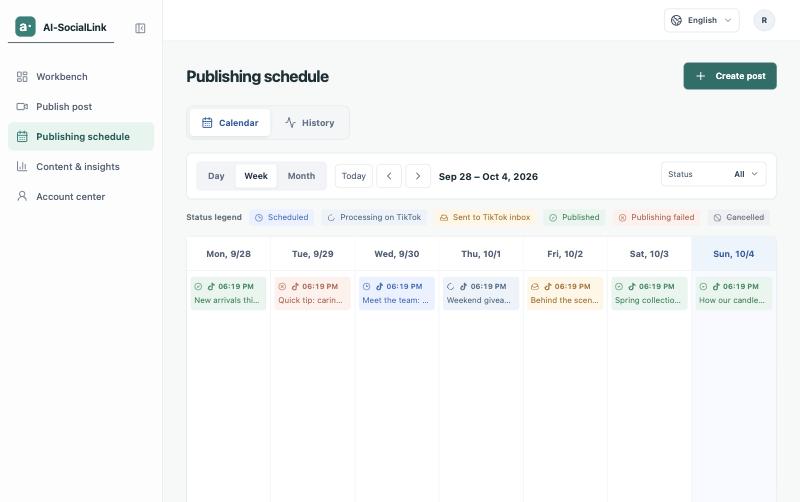
Follow each post from scheduled to submitted, processing, and published or failed, as TikTok reports it. When a post fails, you see the reason so you can fix it and try again.
In Content & insights, see follower, like and video totals for each connected account, and the views, likes, comments and shares of each public video.